96 Days to CCIE SEC v6.1 Lab
ASA Active/Standby Configuration
As per the post ASA Active/Standby Config
we have discussed the what is the requirement of Active / Standby and configuraiton.
In this section, we will deploy the configuration and perform some testing.
The Topology as below :
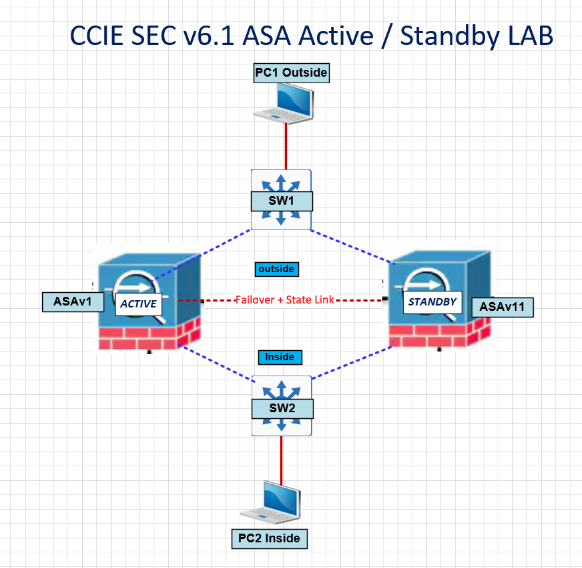
ASAv1 and ASAv11 configured as per the configuration.
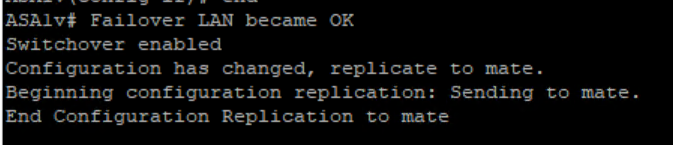
Once we enable Failover (gig0/2 used for failover+state link here)
ASAv1 you see below messages :
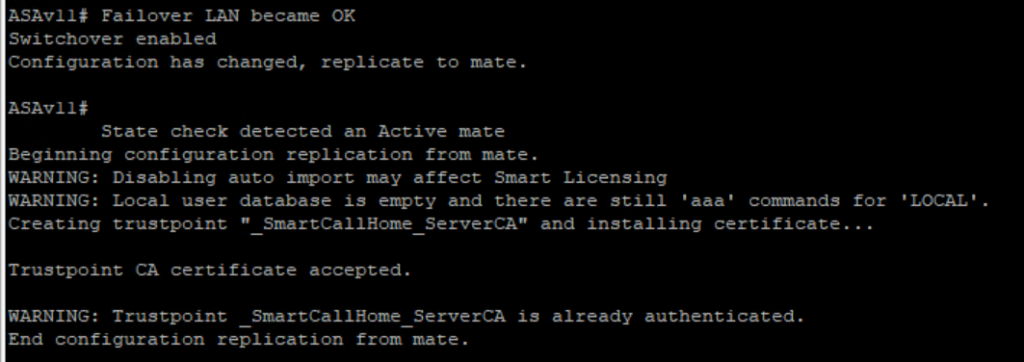
ASAv11 you see below messages : ( we can ignore some License stuff for now)
Now we configure Inside and Outside Configuration along with Monitoring.
Note: when the ASA Pair is working in Active-Standby mode, we always make changes on the Active Unit, and the Secondary is automatically replicated.
ASAv1
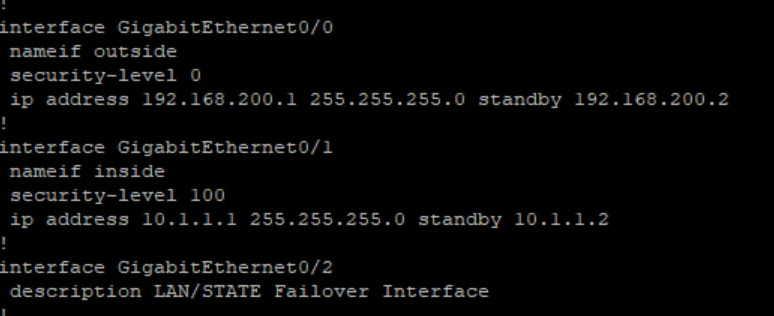
ASAv11 configuration replicate automatically :

we also enable ICMP inspect to ping from inside to outside on ASA1v
policy-map global_policy
   class inspection_default
   inspect icmp
Failover checks :
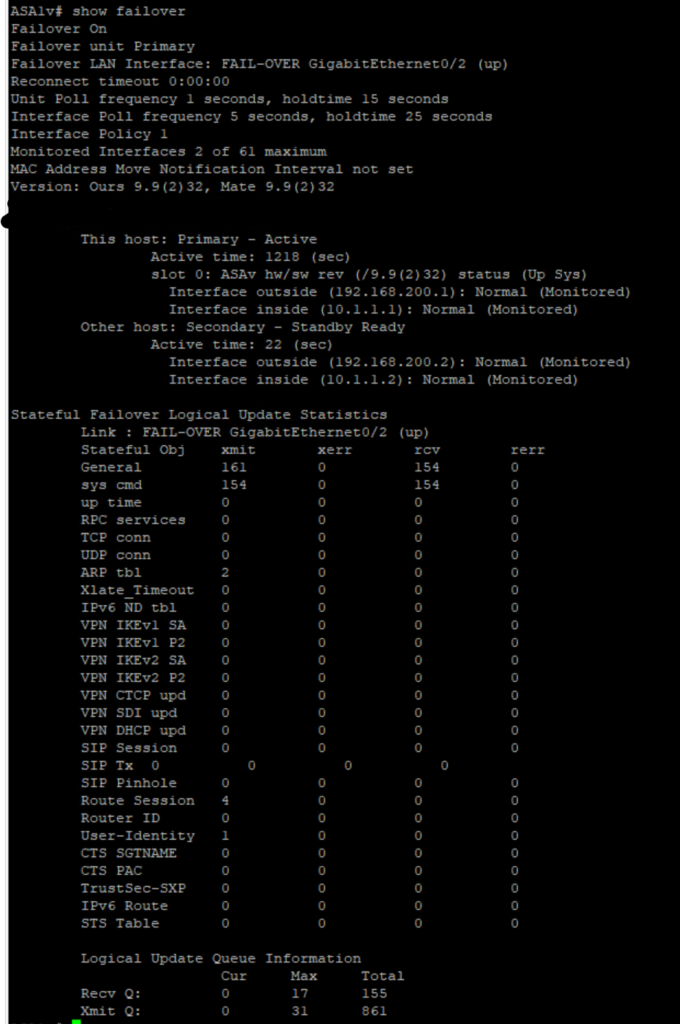
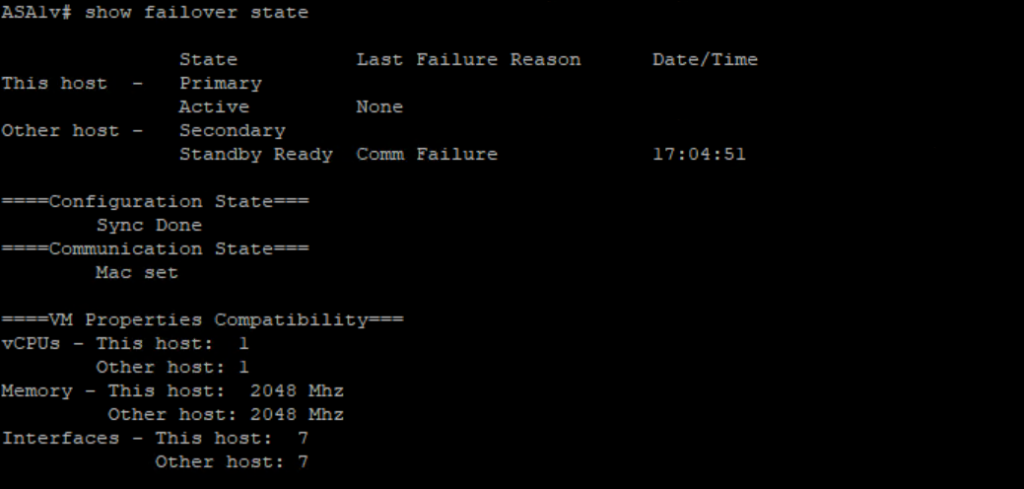
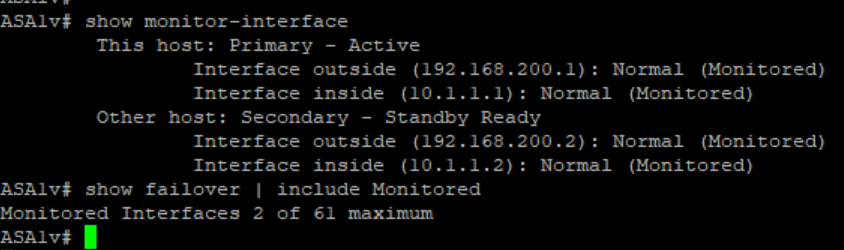
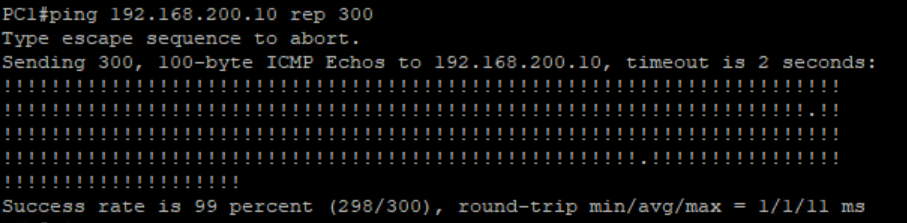
we will do some pings from Inside to Outside
PC1(Inside) – 10.1.1.2 to PC2 (Outside) 192.168.200.10
Note: By default, outside to inside, ASA drops all traffic. (We need to explicitly allow the traffic from outside to inside)
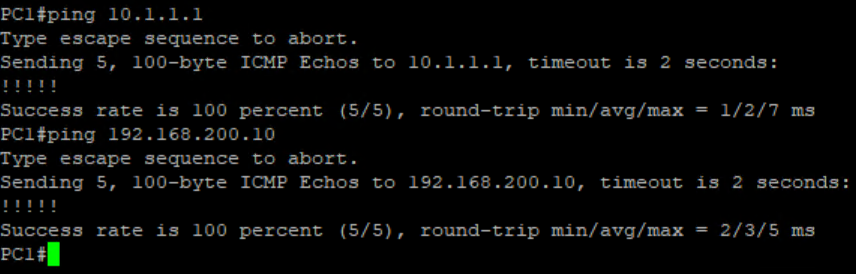
We do some Failover and check the any drops on pings.
On Secondary Firewall – making Active
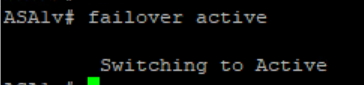

we noticed 1 ping loss.
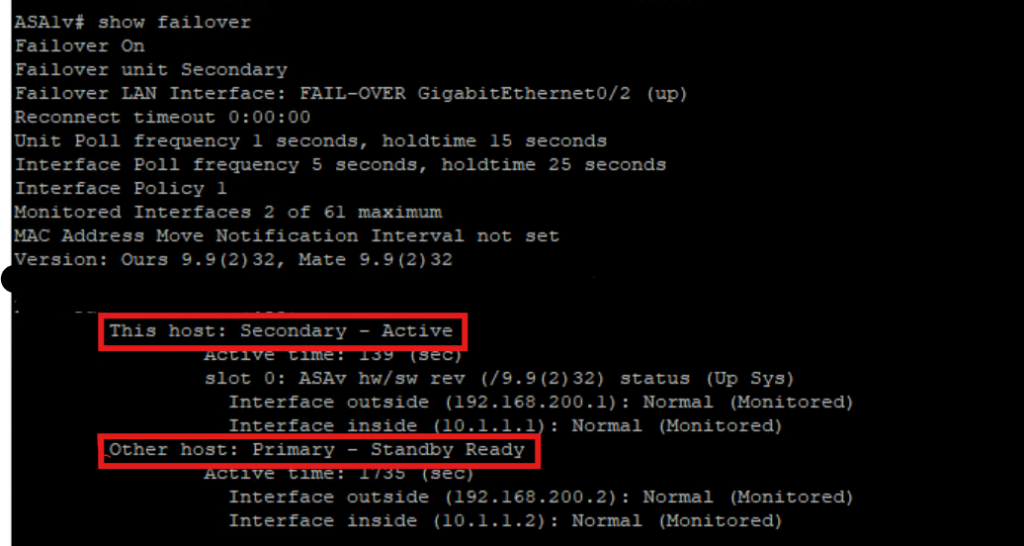
we can also observer the failover :
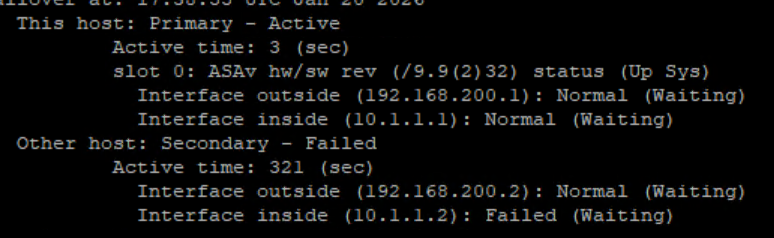
we going to shutdown one of inside interface and since we monitoring the ASA will failover automatically.
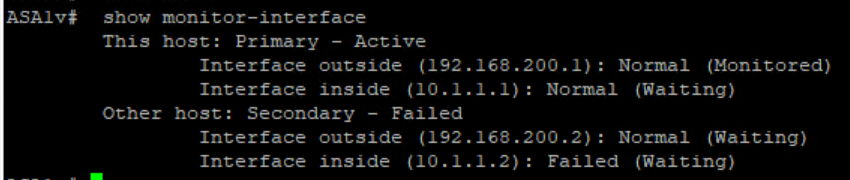
Now we see one of interface connected to ASAv11 to Switch Failed so ASAv1 become active now.
Happy Labingggggggggggggggg .!